
Click the Upgrade button in your current plan card or select a new tier under "All Plans" to upgrade instantly. To downgrade or cancel, go to Account Center → Subscription → Manage Plan and choose your preferred option—changes take effect at the start of your next billing cycle.
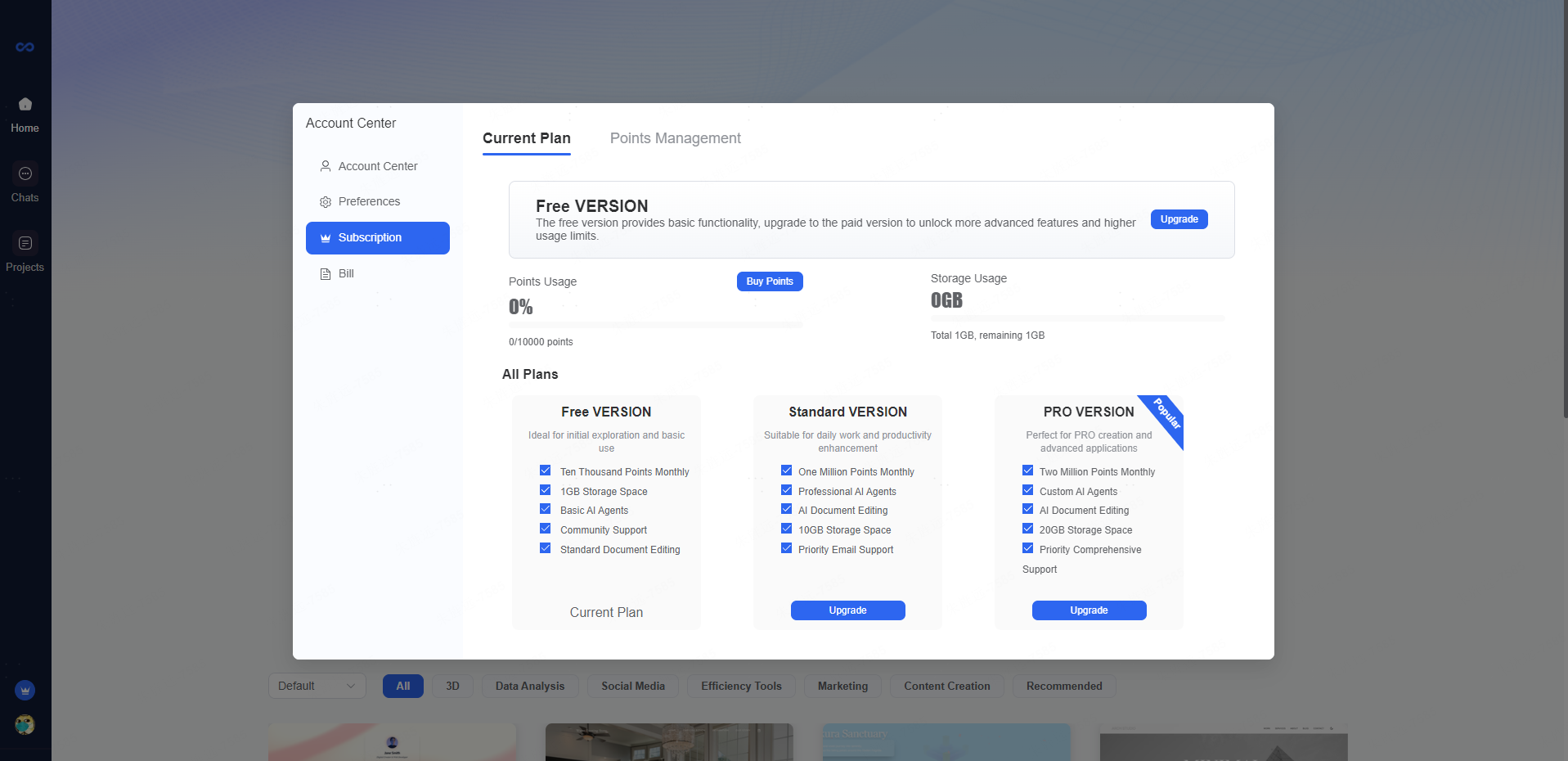
How to Upgrade, Downgrade, or Cancel
Last updated: December 24, 2025
Was this article helpful?
Your feedback helps us improve.