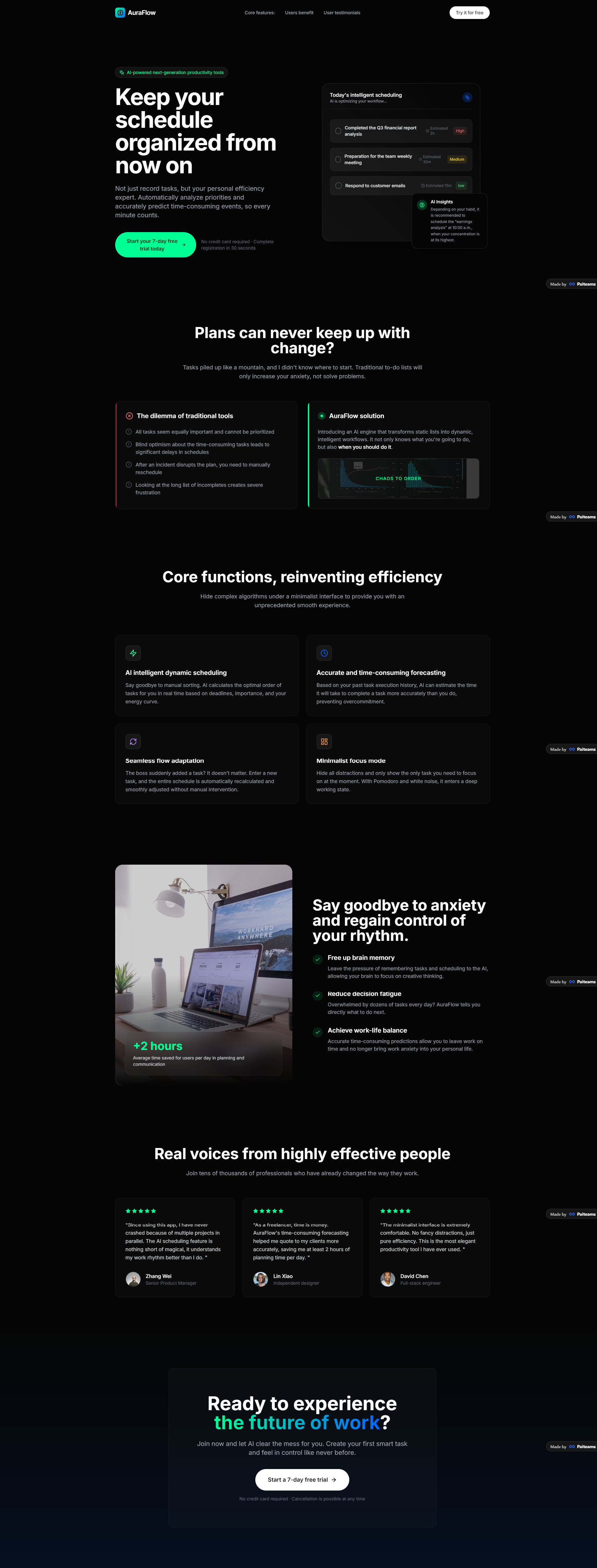
Select the Landing Page Expert agent from the homepage to start your project with a specialized marketing assistant. This AI expert follows a rigorous, step-by-step process to ensure every element of your landing page meets professional standards.
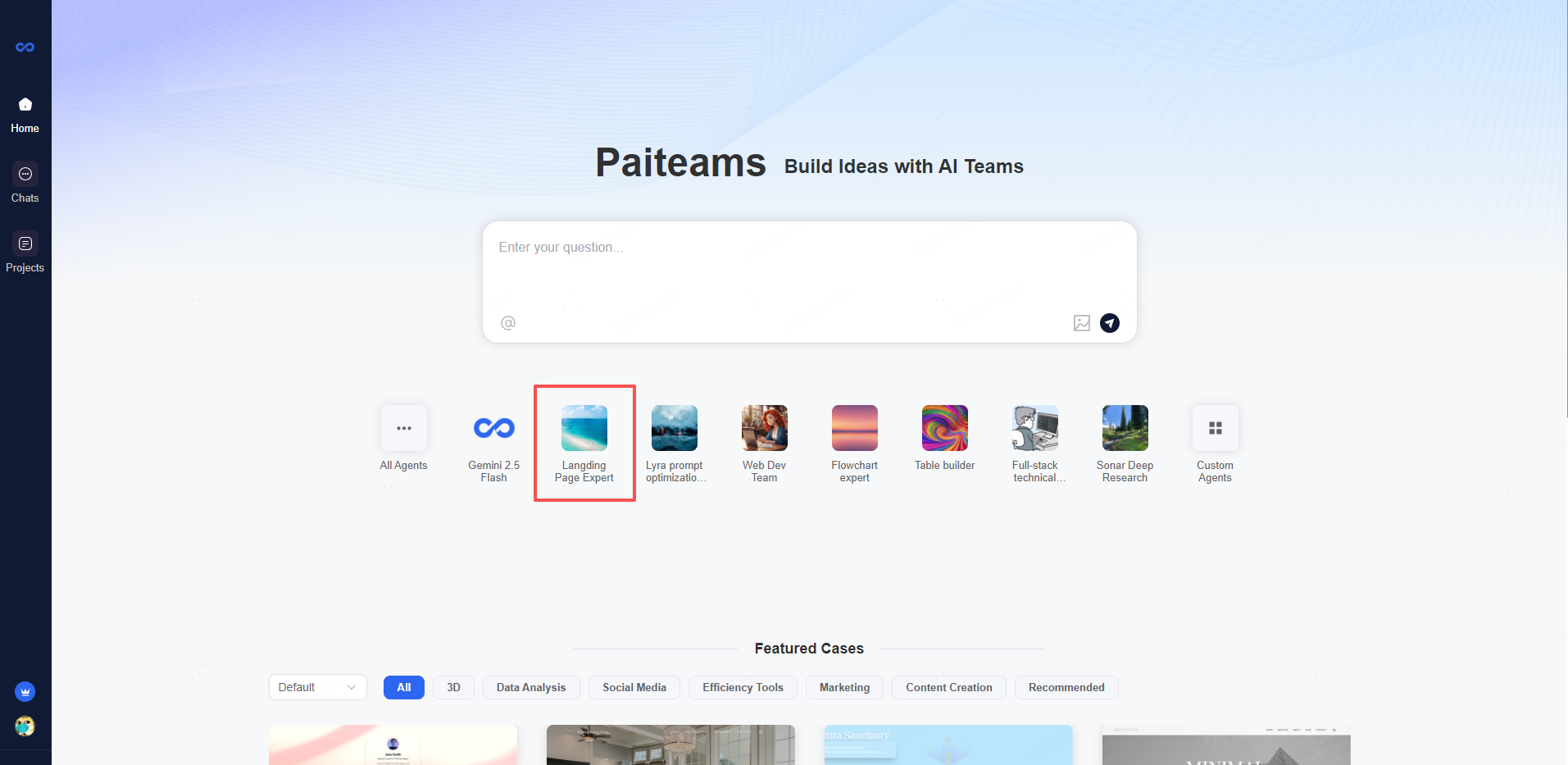
Simply tell the agent what product or service you want to promote, and it will guide you through strategy, copywriting, and layout recommendations. You can access your landing page conversations anytime in the Chats section for ongoing refinement and iterations.
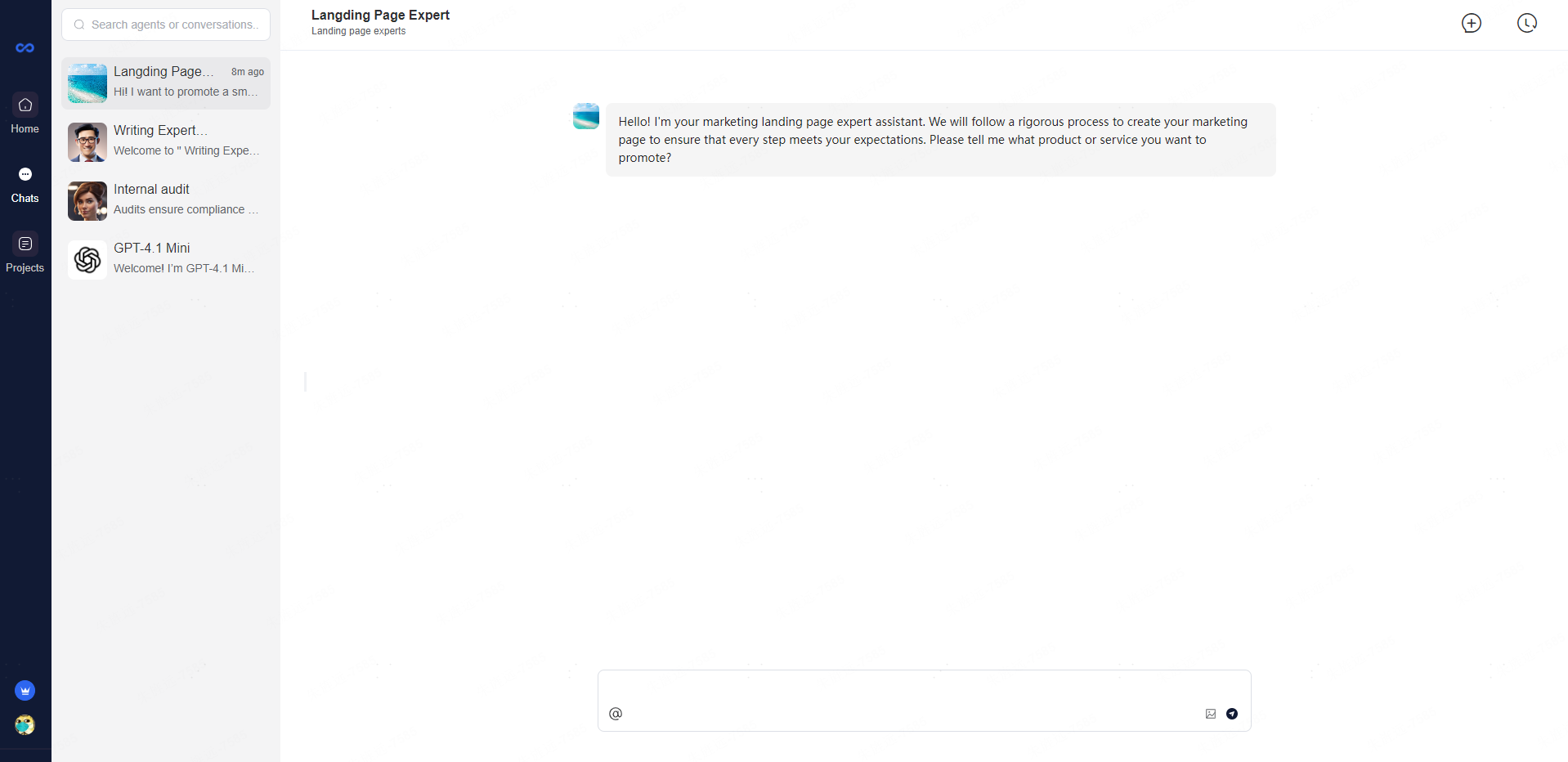
Step 1: Start the Conversation Open the Landing Page Expert agent and tell it what product you want to promote. The agent will immediately begin the structured design process.
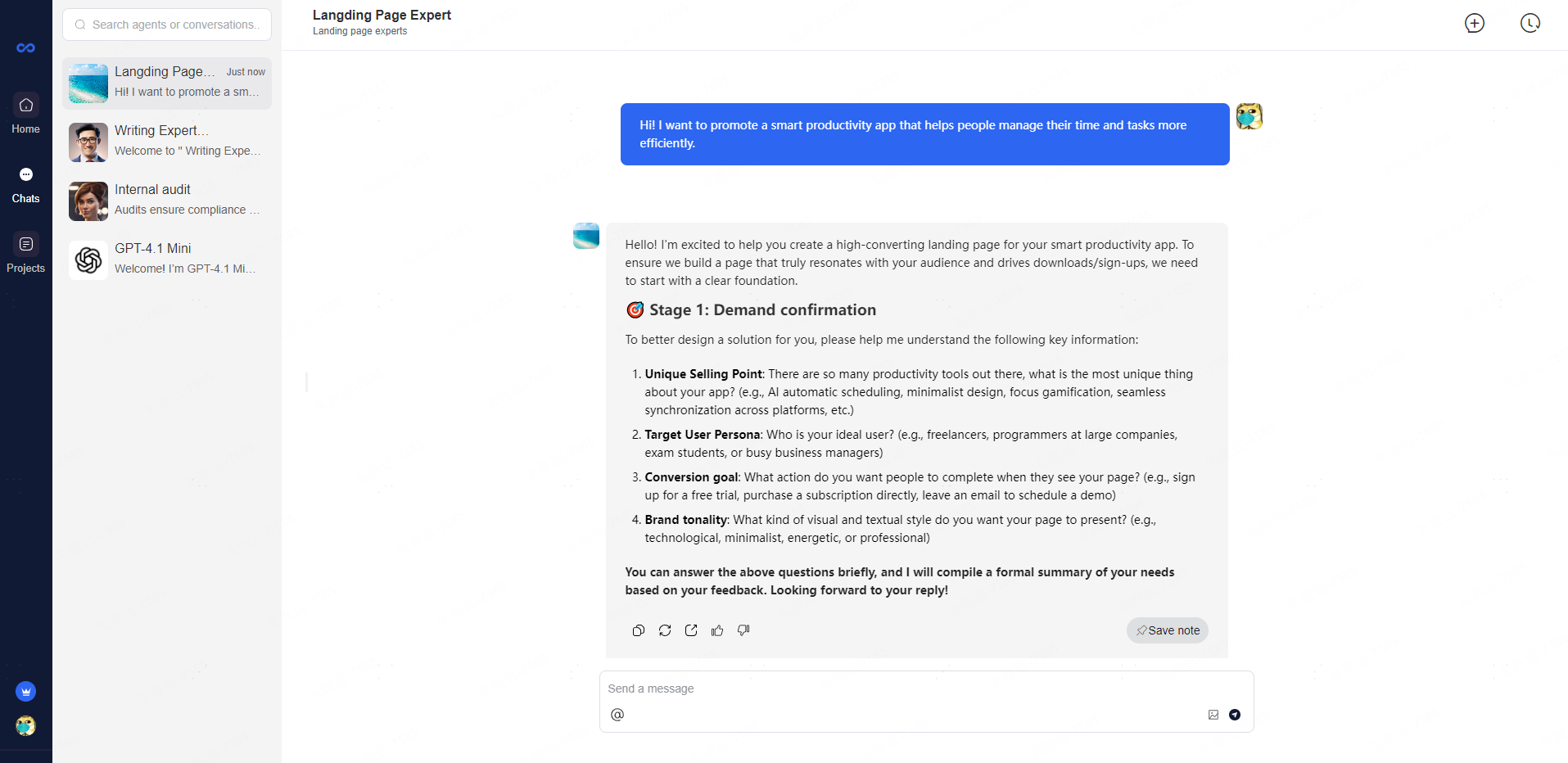
Step 2: Answer Discovery Questions Respond to four key questions about your Unique Selling Point, Target User Persona, Conversion Goal, and Brand Tonality. This helps the AI understand your product foundation.
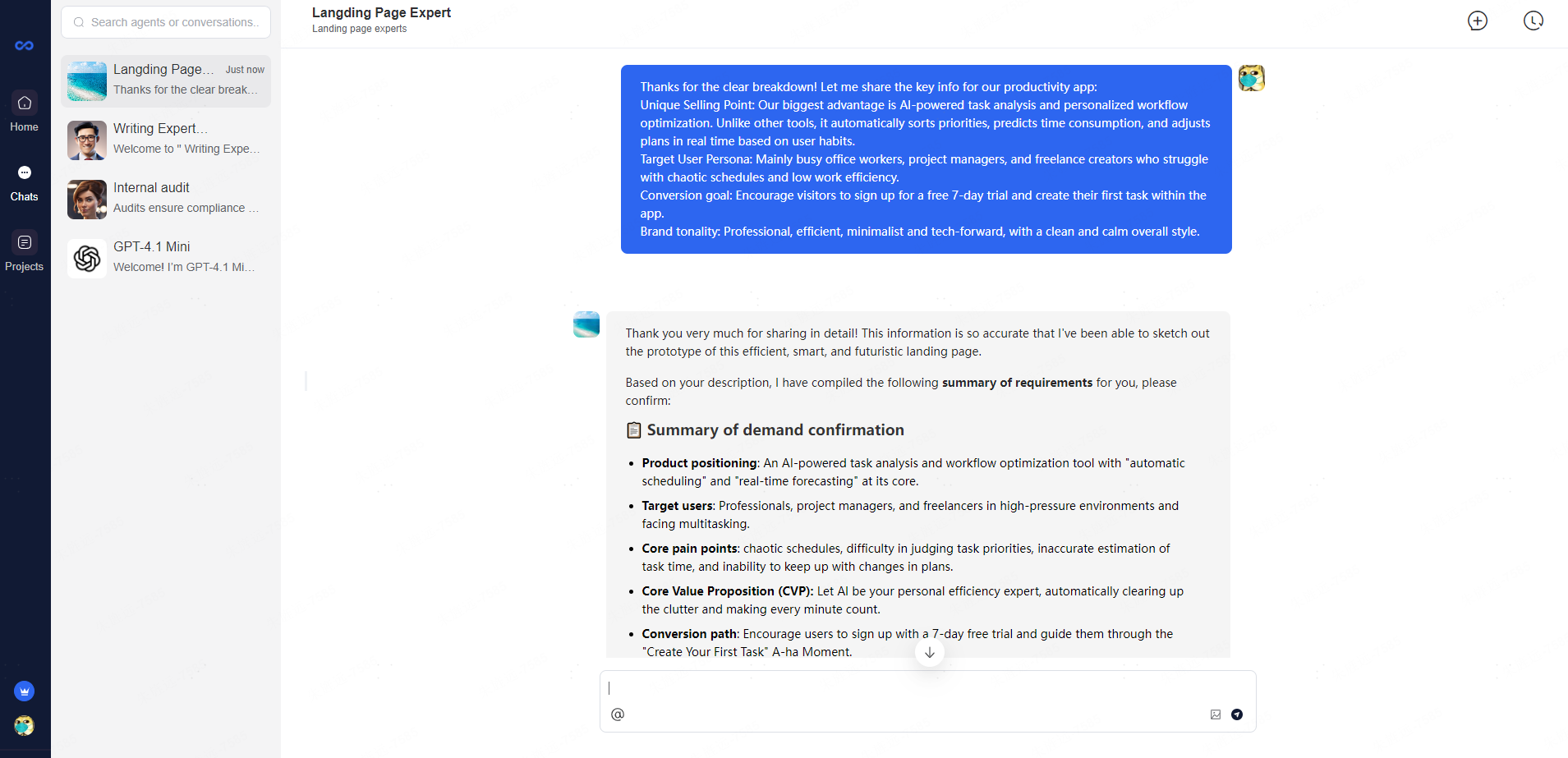
Step 3: Confirm Requirements Summary Review the compiled summary covering product positioning, target users, pain points, and Core Value Proposition. Confirm accuracy to proceed to the next phase.
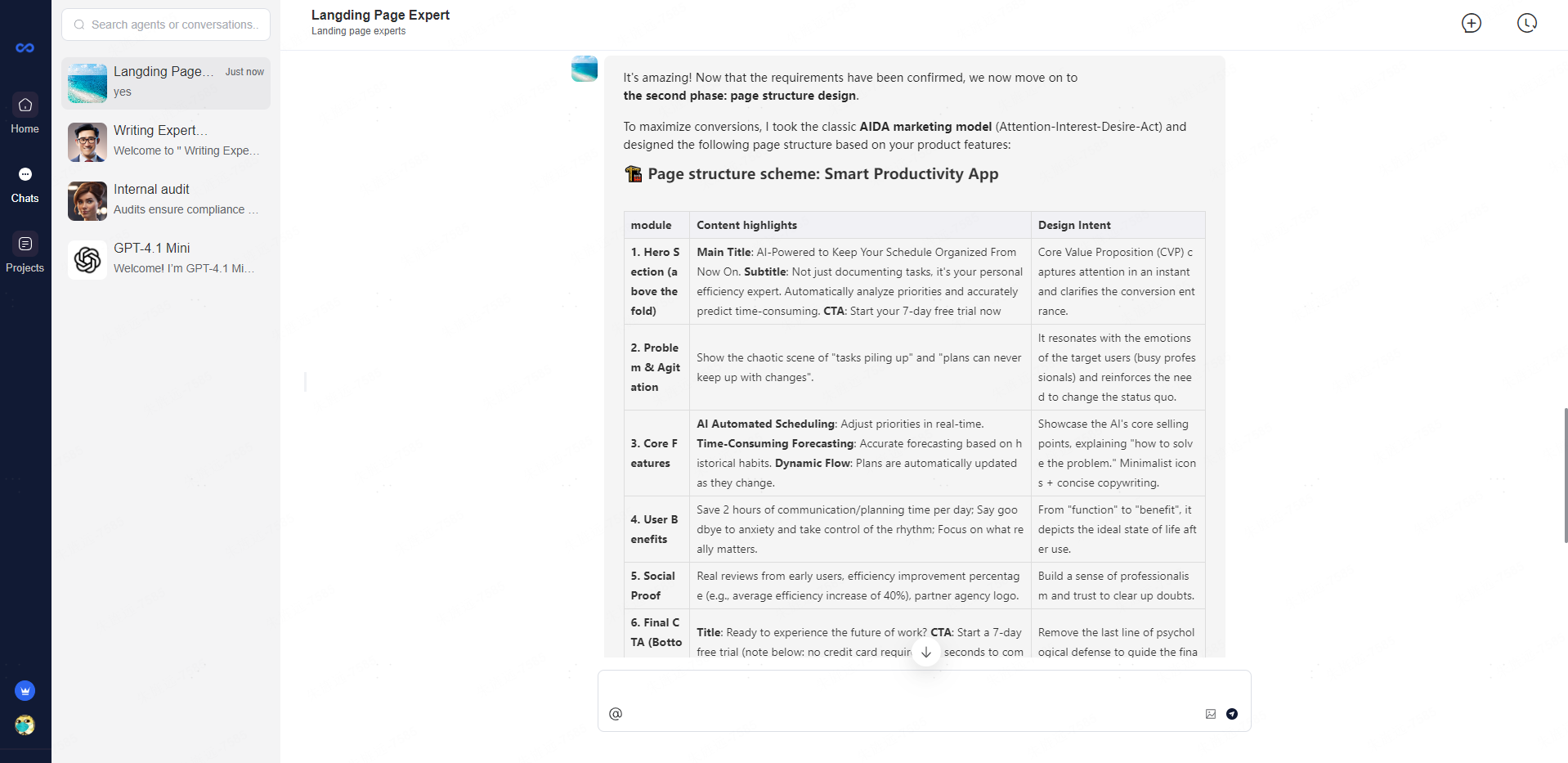
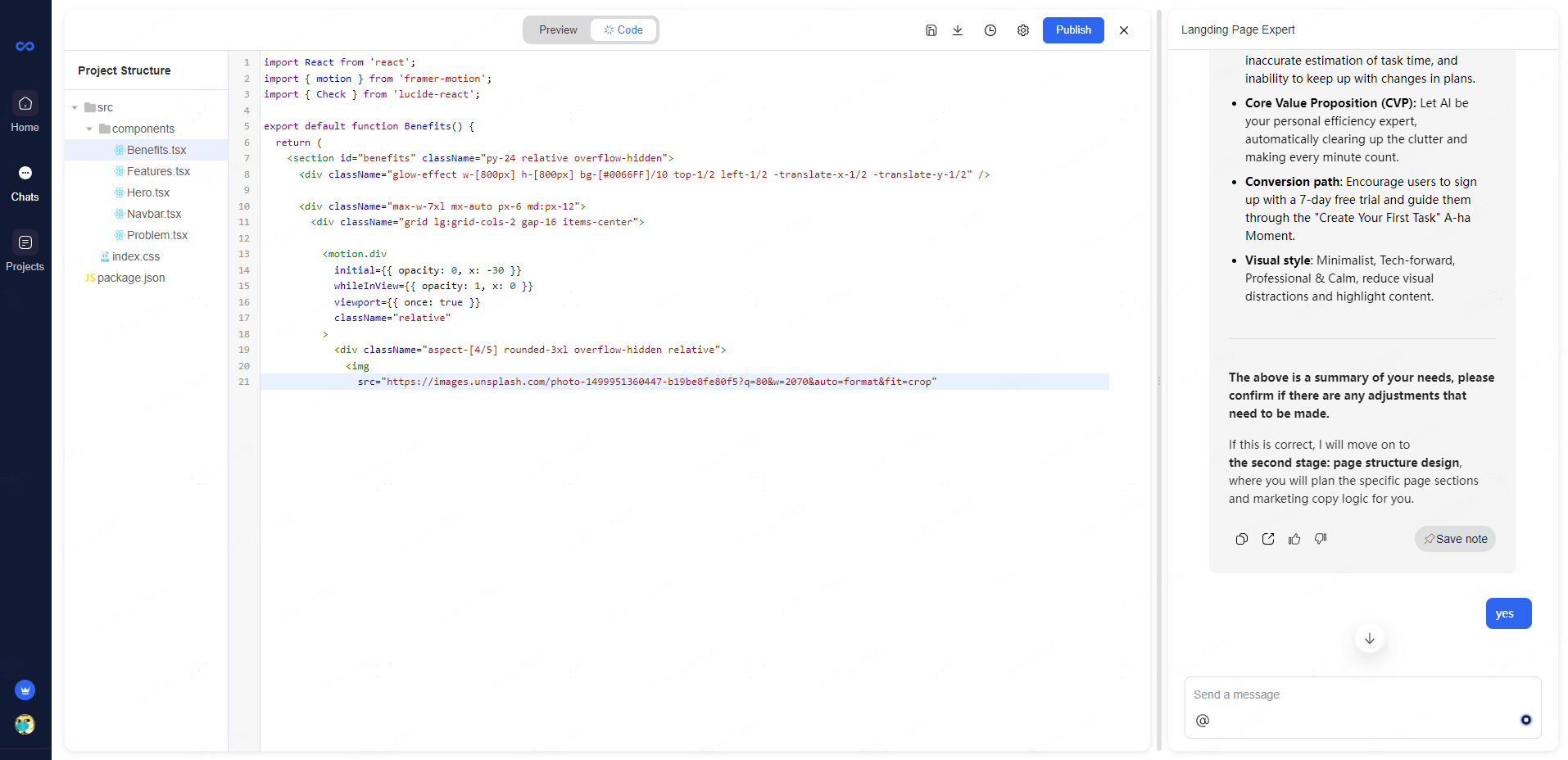
Step 4: Review Page Structure Design The agent applies the AIDA marketing model to create a 6-module page structure including Hero Section, Problem Agitation, Core Features, User Benefits, Social Proof, and Final CTA.
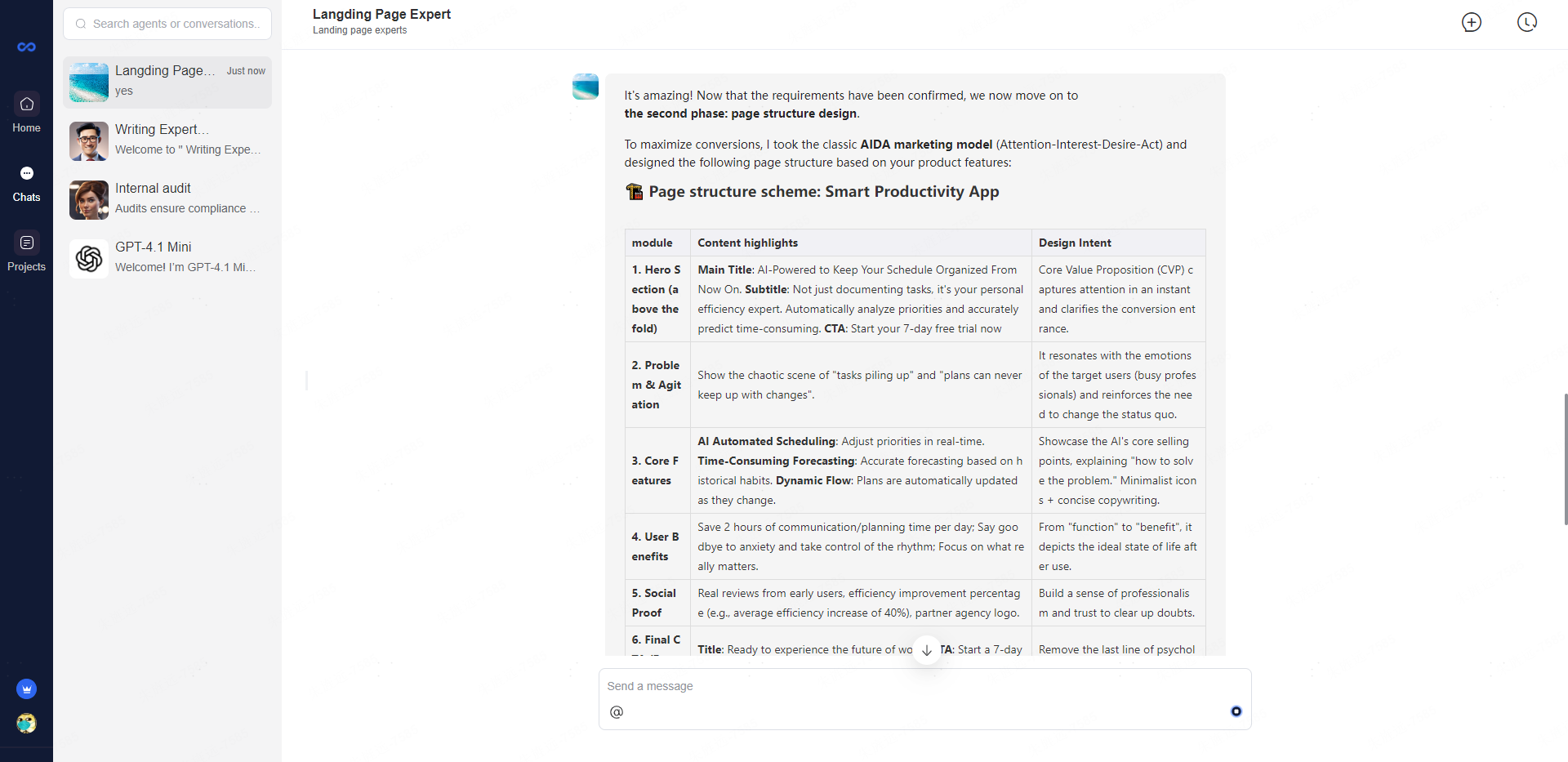
Step 5: Confirm Structure Give a simple "yes" to approve the page structure scheme. This triggers the handover to development engineers for code generation.
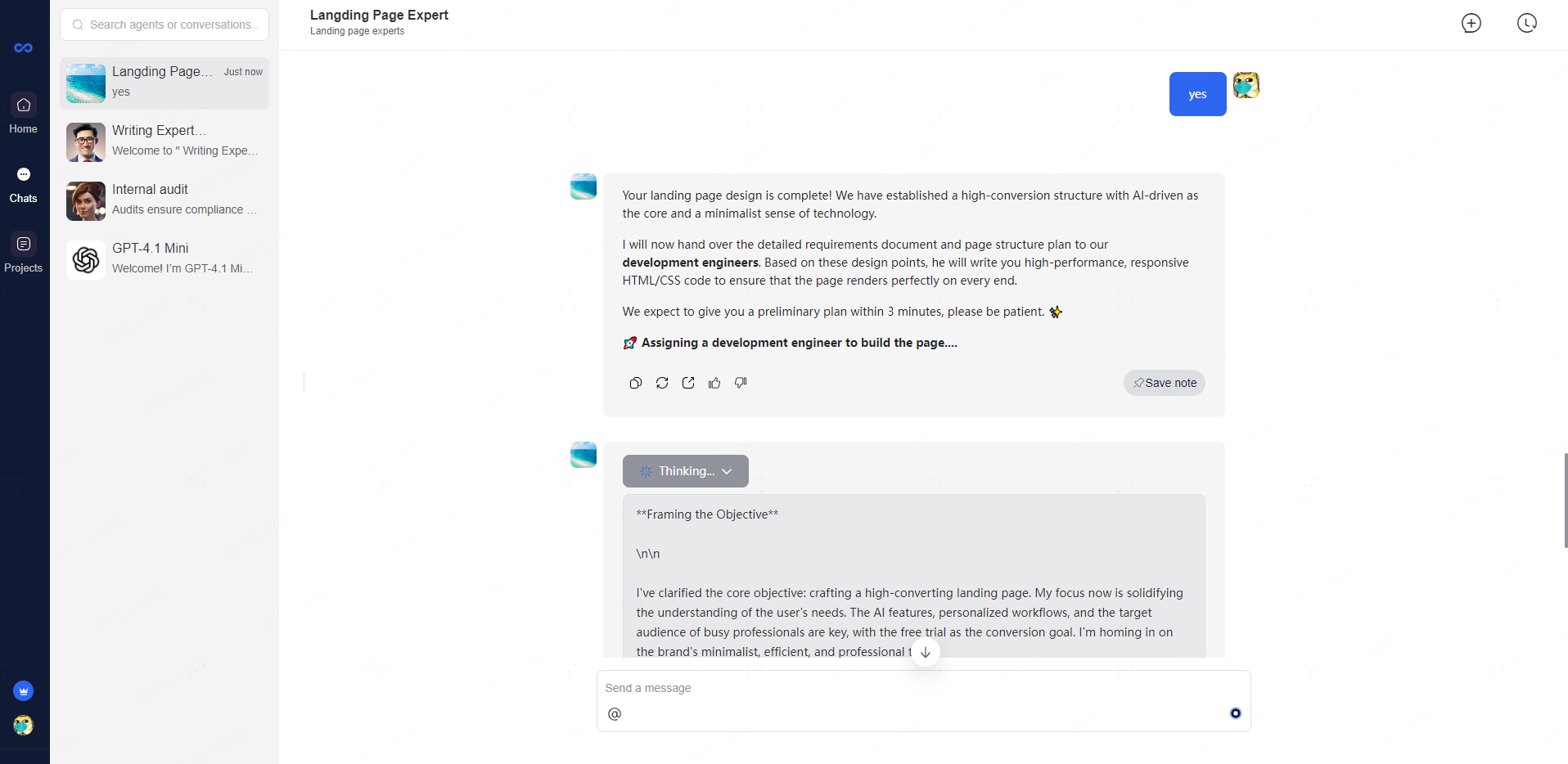
Step 6: Automatic Code Generation The system assigns a development engineer who writes high-performance, responsive HTML/CSS code based on your approved design. You can preview the code in real-time and publish when ready.
The generated landing page features a sleek dark theme with a prominent hero section showcasing the AI-powered productivity value proposition and a clear 7-day free trial CTA. The complete page follows the AIDA structure with problem agitation, core features grid, user benefits with "+2 hours" social proof, testimonials from professionals, and a final compelling CTA section—ready to publish with one click.